Multitech MVP100GK User's Guide Page 13
- Page / 91
- Table of contents
- BOOKMARKS

- MVP100GK 1
- User Guide 1
- Contents 3
- Chapter 1 - Introduction and 4
- Description 4
- Optional Gatekeeper Functions 5
- Features 6
- Front Panel 7
- Back Panel 8
- Specifications 8
- Chapter 2 - Installation 9
- Unpacking 10
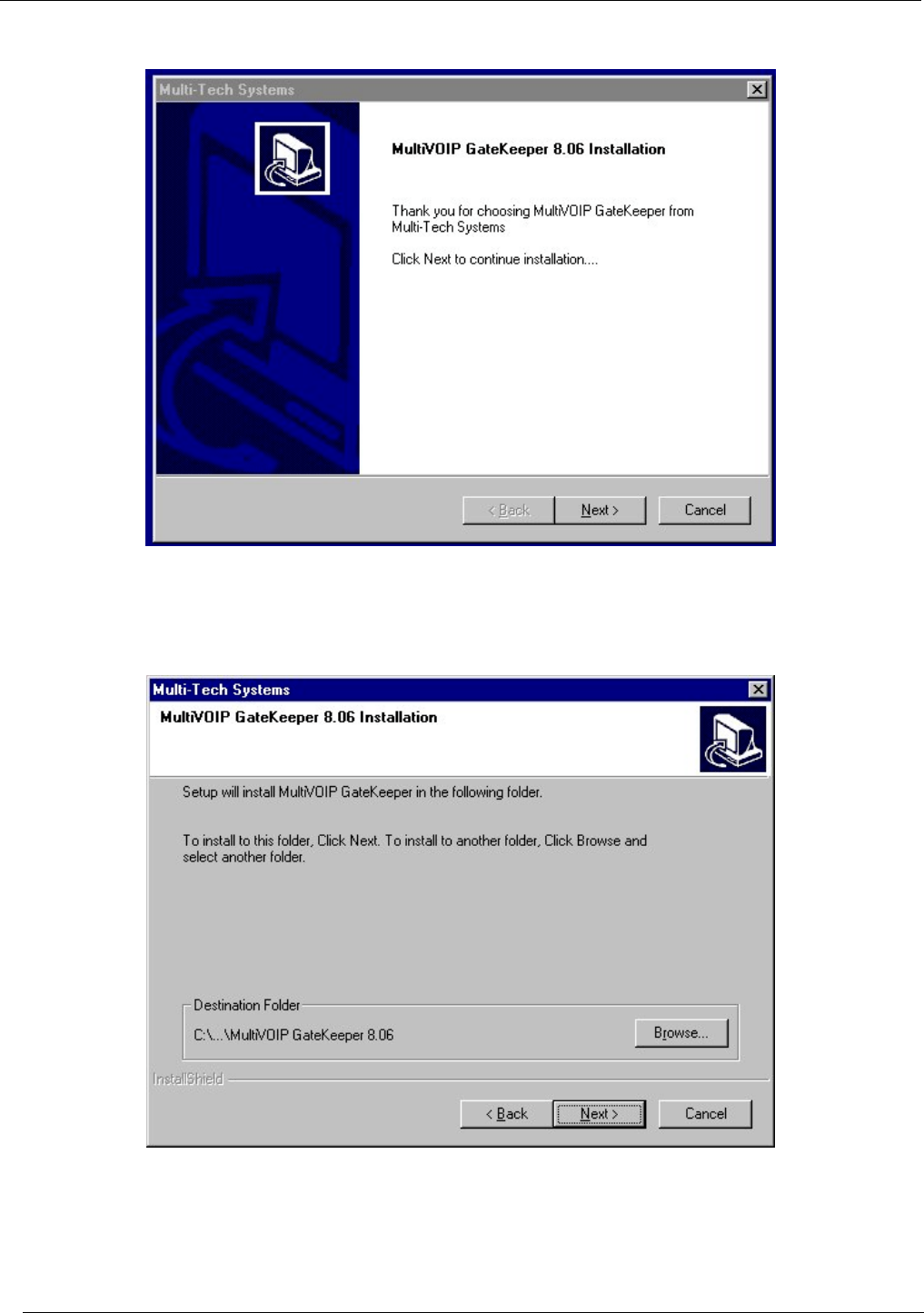
- Loading Gatekeeper Software 12
- Gatekeeper Configuration 16
- Regional Parameters 17
- Set IP Parameters 19
- Change Gatekeeper Name 20
- Connectivity Test 26
- Getting Started 27
- Gatekeeper 28
- VOIP Network Example 29
- Mucksville MVP2410 MultiVOIP 31
- Rootersville MVP200 MultiVOIP 37
- Compton MVP410 MultiVOIP 39
- Reg Pol. = All Endpts 44
- “Allow as public for Out-of 44
- Zone Endpoints” 44
- Gatekeeper MVP100GK 45
- Gatekeeper MVP100GK 46
- Services 47
- Compton MVP410G MultiVOIP 49
- Configuration 54
- PRECEDENCE D T R 56
- DNS Parameter fields 56
- FTP Parameter fields 56
- Regional 57
- System Informtion 60
- Statistics 61
- Link Management 62
- Connection 63
- GateKeeper 64
- Endpoints 67
- Call Details 70
- Parameters 74
- Configurable 75
- Services 79
- GK Defined Service Types 81
- Service Types: Forward 82
- Customers 84
- Technical Support 85
- Regulatory Information 85
- FCC Declaration 86
- Canadian Limitations Notice 87
Related products and manuals for Gateways/controllers Multitech MVP100GK
 (190 pages)
© 2020, manymanuals.com. All rights reserved. | 0.023 s |
 Manymanuals.com
 Manymanuals.de
 Manymanuals.fr
 Manymanuals.it
 Manymanuals.pl
 Manymanuals.cz
 Manymanuals.es
 Manymanuals-pt.com
Comments to this Manuals